Find any developer on Vamo, free
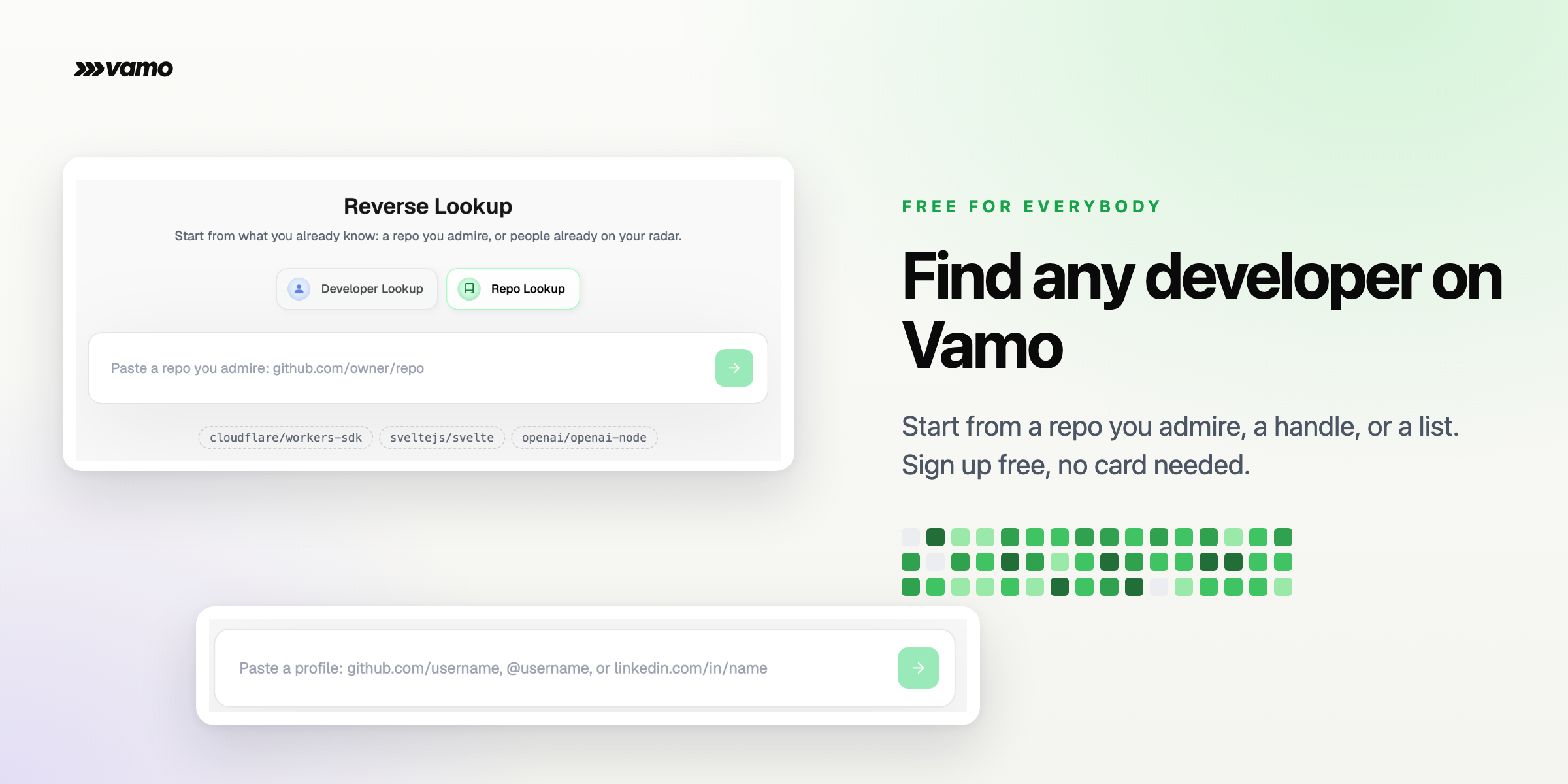
You can find any developer on Vamo, free for everybody. The contributors behind a repo you admire, the person behind a GitHub or LinkedIn handle, a whole list at once from a CSV or a resume. Reverse lookup is how: sign up, no card needed, paste what you already know, and full scored profiles come back in seconds. Every result carries the evidence: contribution history, credibility scoring, and the work that put the person on the map.

Want to see everything Vamo can do? Book a demo and we'll run a live walkthrough together on a role you have open right now.
Why we built it
The best developers leave a trail in public code, and you already know where some of that trail is. There is a repo your team admires, a handle someone dropped in Slack, a spreadsheet of names from a conference. Finding the developer behind any of those should take one step, so Reverse Lookup makes it one step, for anyone. It is the fastest way to see what Vamo reads in a developer's GitHub work: the projects, the contribution graph, the credibility signals, all assembled into a profile you can act on.
What you get
- Repo Lookup. Paste a repo as
github.com/owner/repoand the contributors who build it come back as full candidate cards, 50 at a time. - Developer Lookup. A
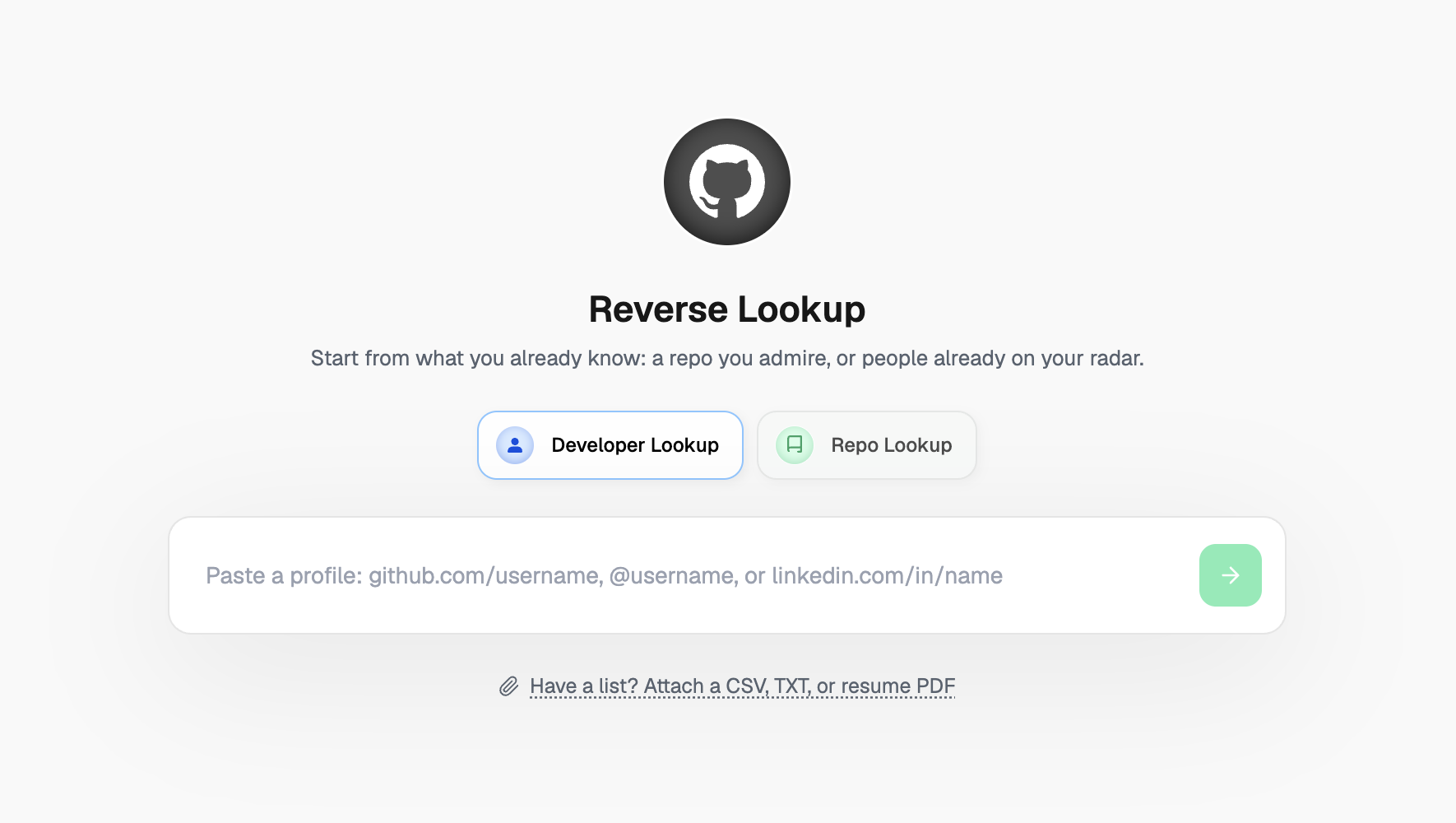
github.com/username, an@username, or alinkedin.com/in/nameURL resolves to a complete scored profile. - List upload. Attach a CSV, TXT, or resume PDF and every GitHub and LinkedIn profile inside it resolves in one run.
- Find similar. Every result card carries a Find similar button that jumps from one great developer to more like them.
How to use it
Sign up and open Reverse Lookup
Look up a developer
github.com/username, an @username, or a linkedin.com/in/name URL. The developer resolves to a full card.Or start from a repo
github.com/owner/repo, or pick one of the suggestions. The contributors come back as candidate cards, and Find similar on any card pulls more developers like that one.Bring a whole list
What to expect
Lookups resolve in seconds and land as full profile cards: contribution garden, credibility signals, and the repos that earned them. Follow a thread as far as it goes, one great developer leads to more through Find similar, and a repo you admire leads to the whole team behind it. Finding developers on Vamo is free for everybody, so start with the repo you wish you had built.
Already have a spreadsheet?